

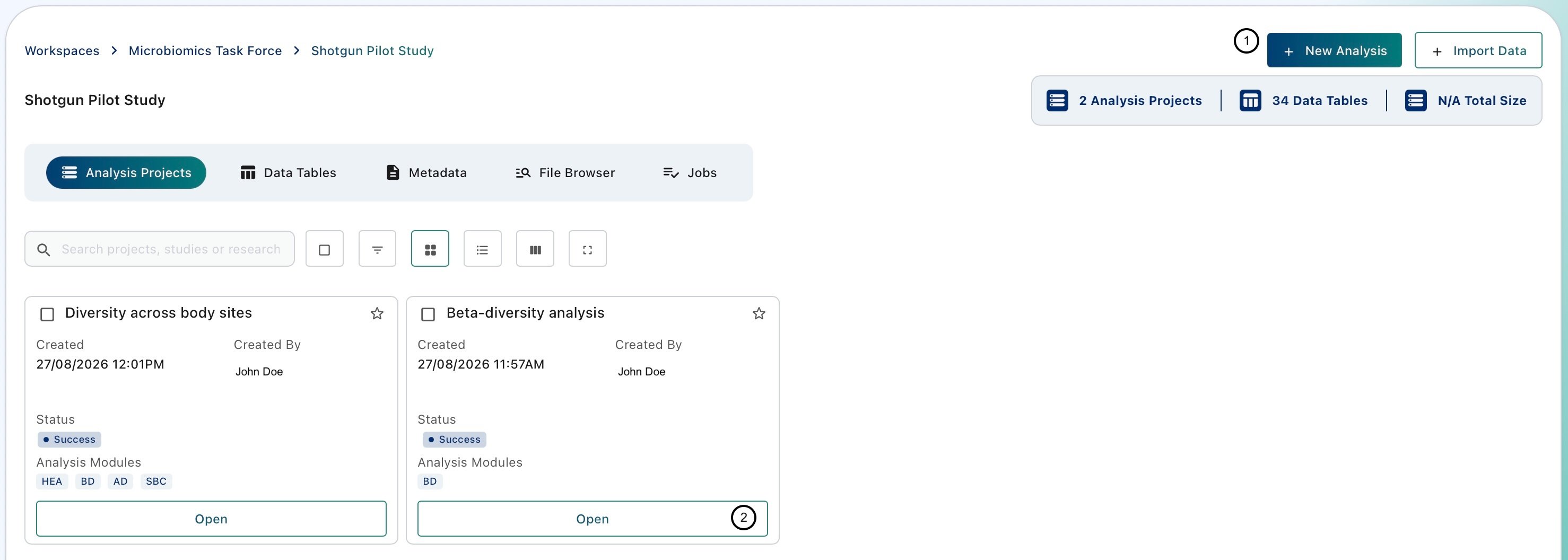
Analysis Projects
Data Tables
This section lists the Data Tables available in the current Study, including every Data Table imported into it. Each Study can hold any number of Data Tables.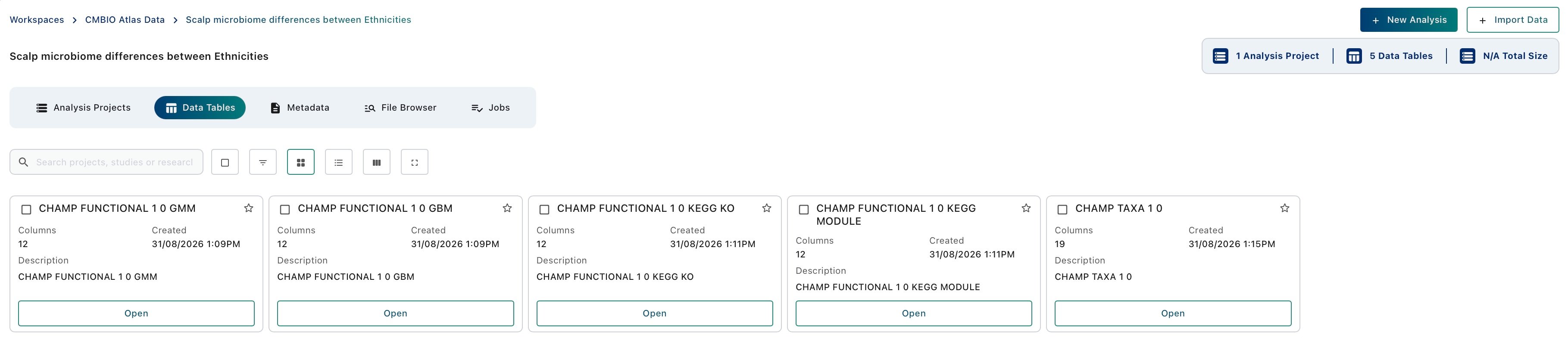
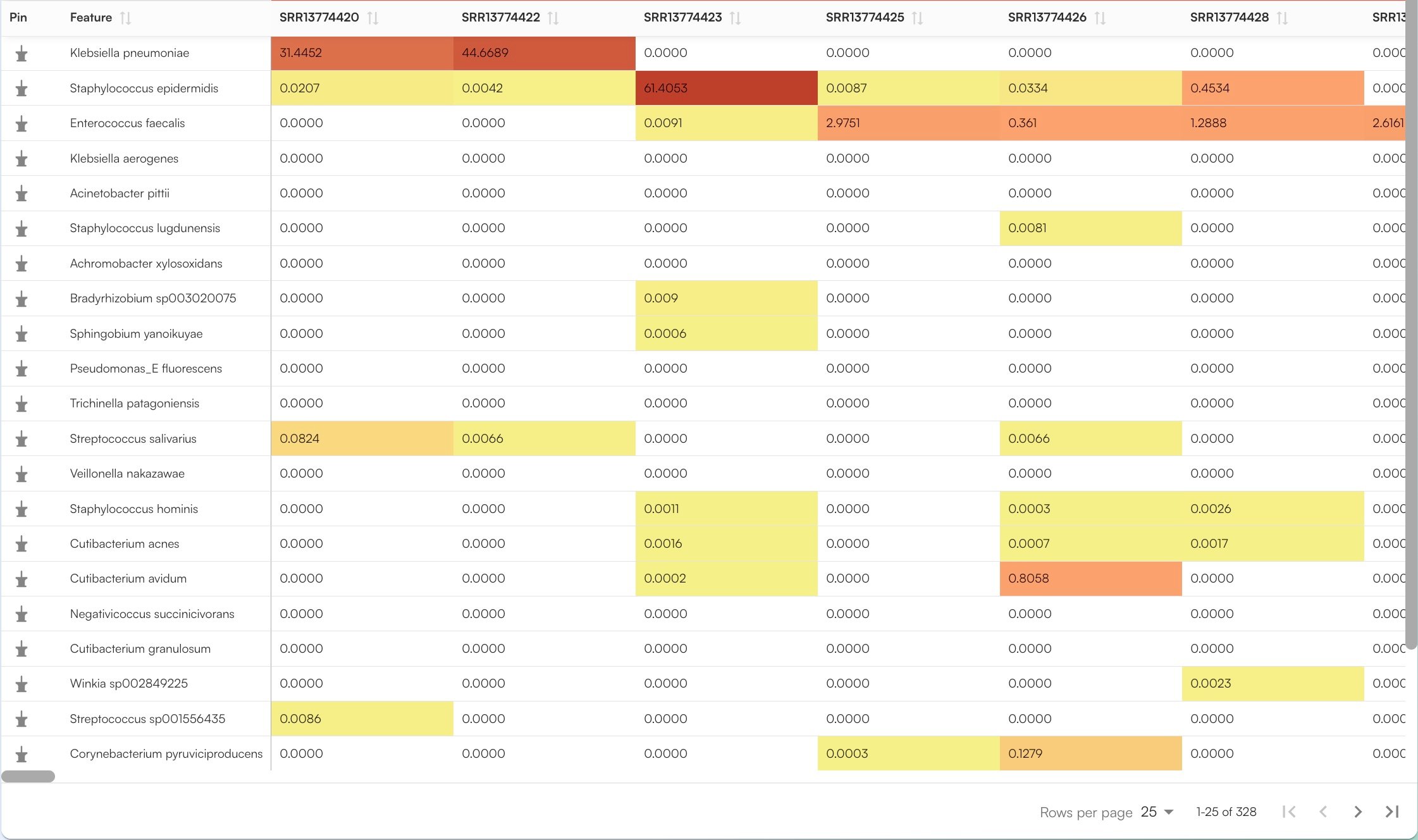
How a Taxonomic Data Table of CHAMP profiles looks like
Metadata [in active development]

Samples imported from a Cosmos-Hub account bring their sample metadata with them. The metadata is not displayed in the interface yet, but it is stored together with the imported samples.
File Browser
The File Browser is the storage drive of the Study. Use it for project material that is not a Data Table, for example protocols, lab notes, raw sequencing files, supplementary files and Analysis Project outputs.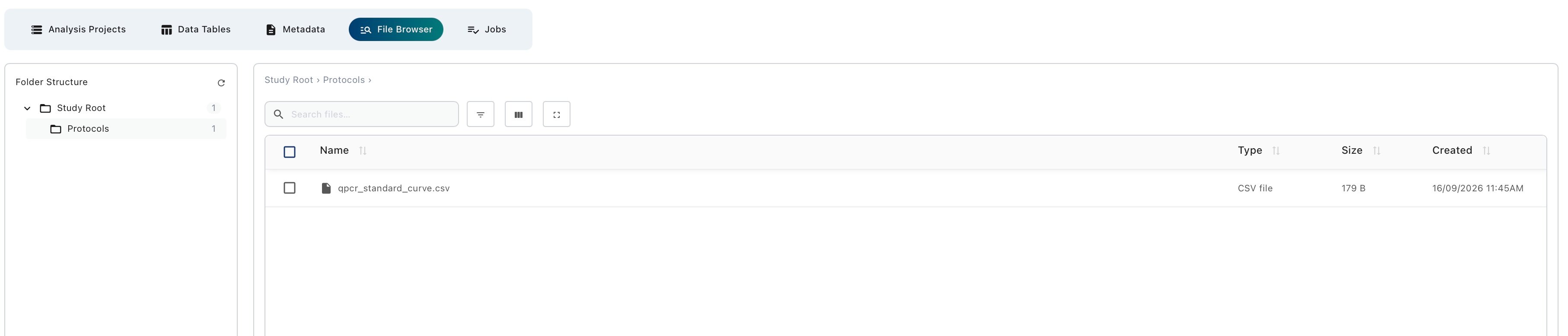
Jobs
Data imports and Analysis Projects can take some time to complete. The Jobs section lists these operations and their progress, so you can check that an import has finished or that an analysis is ready before you open it.
Next step: bring in your data
Importing data into a Study
The available import routes and how to use each one.